Deconstructing Greatness: Learning Roblox Development from 35+ Uncopylocked Pro Games
Learning real game development by studying projects with 10+ million visits, not tutorials.
Introduction: A Developer’s Parting Gift
What if you could open a Roblox game with ten million visits and calmly inspect every script, every architectural decision, every mistake and every clever workaround? 
In May 2024, veteran Roblox developer GamerOkami quietly did something that still feels unreal. After more than a decade of building games, earning serious Robux, and amassing over ten million visits across their portfolio, they stepped away from Roblox to attend college. Instead of locking everything behind nostalgia or monetization, they uncopylocked their entire body of work.
Thirty-seven projects. Full games. Experimental systems. Legacy code. Production architecture. All free.
This wasn’t a tutorial pack. This was a career laid bare.
As someone who cares deeply about learning how real Roblox games are actually built, this felt less like a resource drop and more like a responsibility. You don’t skim something like this. You sit with it. You study it. You respect it. 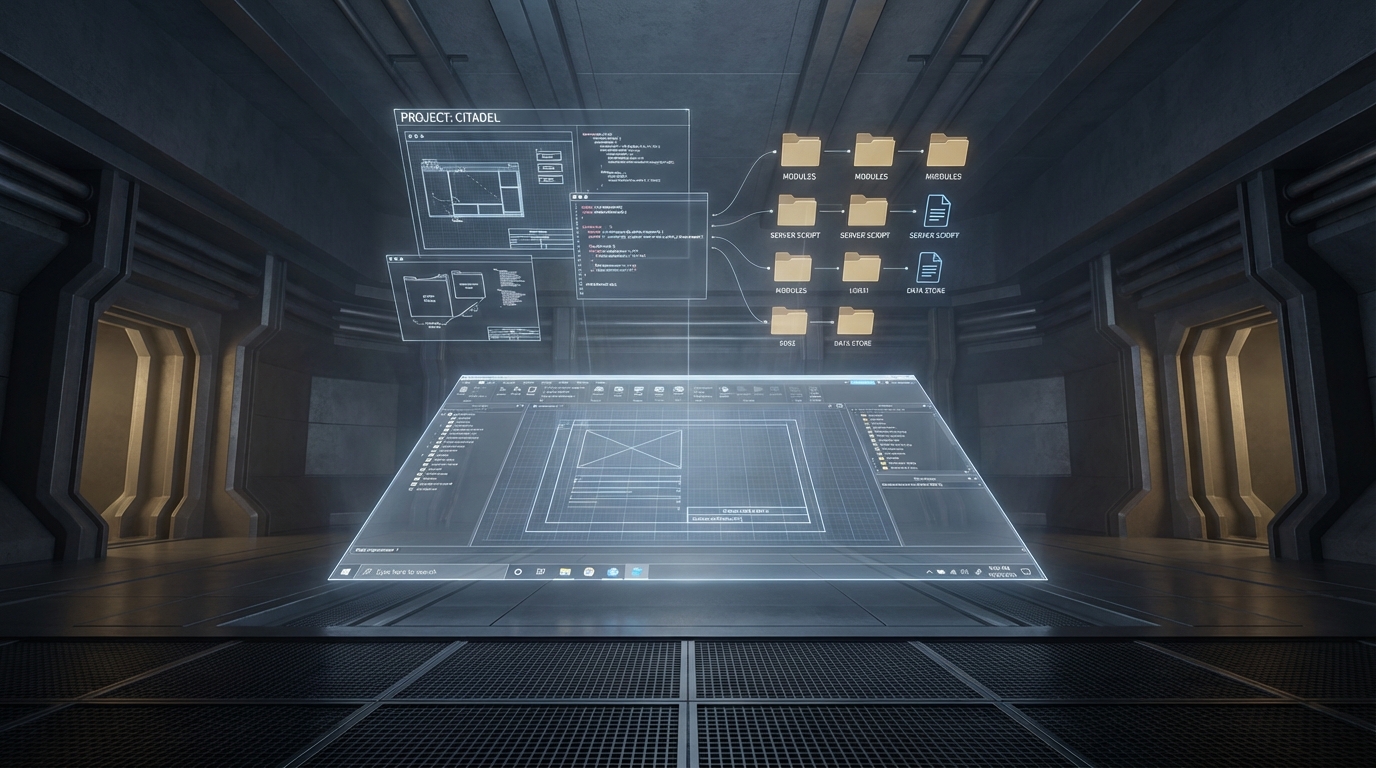
Why This Collection Is Different
Most Roblox learning content is either:
- Extremely simplified
- Highly opinionated
- Or detached from real production constraints
This collection is none of those things.
These games shipped. They scaled. They survived exploiters. They accumulated players organically. They broke, got patched, and evolved. That context matters.
Here’s what makes this release genuinely rare:
- Real production code, not tutorial scaffolding
- Multiple genres solved by the same developer
- Clear architectural patterns across very different games
- Both good decisions and mistakes visible
- No paywalls, no licenses, no gimmicks
If you’ve ever wondered how a solo or small-team Roblox developer structures serious projects, this is as close as you’ll ever get to an apprenticeship. 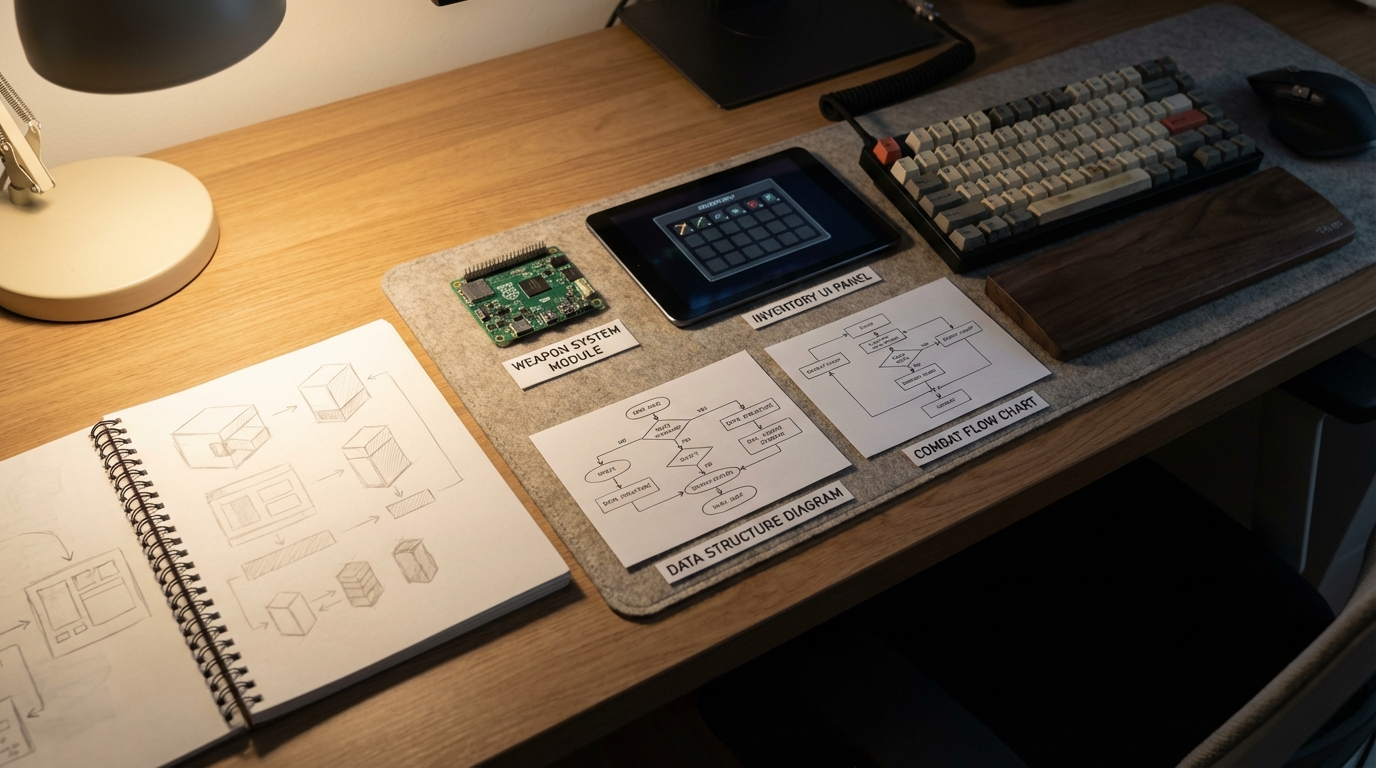 —
—
The Collection at a High Level
Rather than re-list every project mechanically, I grouped them mentally into four buckets while studying them.
1. Full Production Games
These are end-to-end experiences with complete game loops.
The standout is Waterloo at home, a Napoleonic warfare game that quietly demonstrates almost every professional Roblox pattern you should care about: class systems, server-authoritative combat, data-driven customization, and clean separation between client, server, and shared logic.
Other heavy hitters include Las Vegas at home, which contains fully functional poker, blackjack, and roulette logic, and Flintlocks, a masterclass in server-sided shooting.
If you only ever open three projects from this release, make them these.
2. Systems and Frameworks
Accessory systems, inventories, obby kits, click-saving logic, board games, admin panels.
These projects are less about polish and more about reusable thinking. They’re perfect for extracting ideas, not code.
This is where you learn how GamerOkami thinks in modules.
3. Clan Bases and Combat Maps
On the surface, these look like genre filler. Underneath, they’re invaluable if you want to understand how:
- Different weapon systems coexist
- Terminals and admin panels are implemented
- Maps are structured for repeated combat
- Roleplay constraints are enforced through code
Even if you never build a clan base, the patterns show up everywhere else.
4. Experiments and Genre Tests
Horror prototypes, social hubs, driving simulators, minimalist showcases.
These taught me something unexpected: how often professional developers prototype entire games just to test one idea. 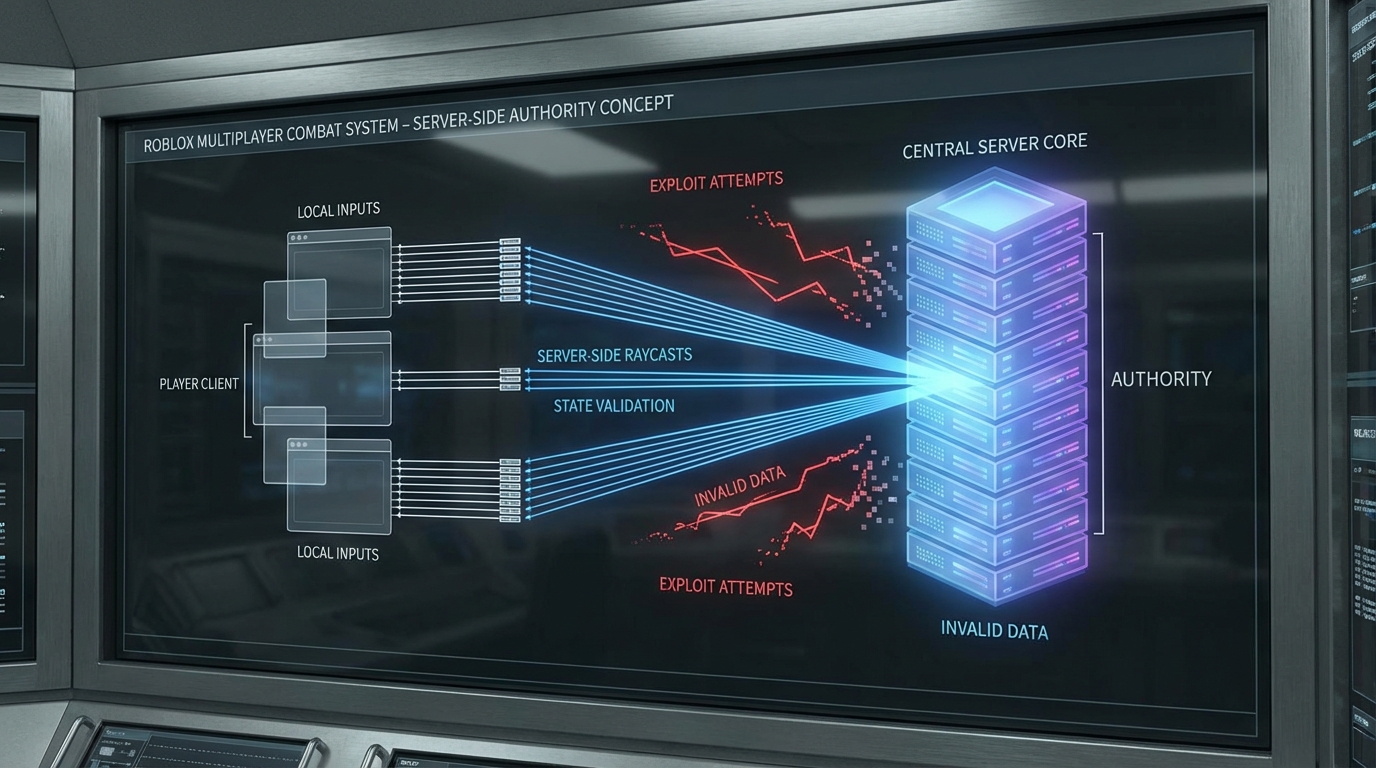 —
—
The “Scrap Part” Methodology I’m Using
I made myself one rule before opening any of these files.
I am not allowed to copy entire systems.
Not because it’s unethical, but because it doesn’t teach me anything.
Instead, I’m using what I now call the Scrap Part Method.
I decide what I want to learn before I open the project.
Combat validation. Inventory architecture. Data storage structure. UI flow. AI state machines.
Then I:
- Open the game in Studio
- Map the folder structure on paper
- Identify the single module or system responsible
- Read it slowly
- Rewrite the idea from scratch in my own project
Not line by line. Concept by concept.
When I studied the poker logic in Las Vegas at home, I didn’t copy the hand evaluator. I wrote my own, but only after understanding why the original logic was structured the way it was.
That distinction matters.
Understanding Architecture Before Code
One thing that immediately stood out across almost every project is consistency.
Workspace is visual and physical. ReplicatedStorage holds shared data and modules. ServerScriptService owns authority and validation. StarterGui handles presentation and input.
That separation alone is worth weeks of beginner tutorials.
In Waterloo at home, for example, classes aren’t hardcoded into scripts. They live as data modules. The server doesn’t care which class you pick, only that it exists and is valid. That’s the kind of thinking that makes balancing possible months later.
This is what “professional Roblox architecture” actually looks like in practice.
Broken Assets Are Part of the Lesson
Yes, things are broken.
Sounds don’t play. Animations fail. Some projects contain ancient free-model viruses.
That’s not a flaw. It’s reality.
Fixing these issues taught me more than the functioning parts ever could.
Replacing broken animations forced me to learn the Animation Editor properly. Cleaning old scripts taught me how to recognize malicious patterns instantly. Modernizing deprecated APIs made me understand Roblox’s evolution.
If you expect these projects to work out of the box, you’ll be frustrated. If you treat them like archaeological sites, you’ll learn fast.
A Short Case Study: Why “Waterloo at home” Is Special
This project alone could be a paid course.
Class selection is client-requested but server-validated. Combat is server-authoritative with immediate client feedback. Uniform customization is data-driven and team-specific. Player stats are tracked cleanly using attributes and structured DataStores.
Nothing is flashy. Everything is deliberate.
When I traced the flow of a single musket shot from mouse click to damage application, it became obvious why exploiters struggle in games built like this.
The server is the truth. The client is just a messenger.
That lesson alone is worth the time investment.
Learning Paths I’d Actually Recommend
If you’re new, don’t start with Waterloo. You’ll drown.
Start with smaller systems. Click-saving. Obbies. Minimalist showcases.
If you’re intermediate, focus on inventory systems, tower defense logic, and UI flow.
If you’re advanced, commit to one major project for a month. Trace everything. Rewrite nothing until you understand everything.
This isn’t fast learning. It’s durable learning.
Ethics Matter Here
This is the part I care about most.
These projects are not free content to be rebranded. They’re a gift.
Don’t reupload them. Don’t sell them. Don’t strip credits.
If you use an idea, say where it came from. If you’re inspired, acknowledge it.
That’s how communities stay healthy.
The Roblox DevForum exists because people chose collaboration over shortcuts. This release reinforces that.
Closing Thoughts
I keep thinking about how rare this moment is.
A developer at the peak of their Roblox career could have vanished quietly. Instead, GamerOkami left behind a body of work that will probably educate thousands of developers who never even played the original games.
That’s not just generous. It’s legacy-building.
If you’re serious about Roblox development, don’t rush this. Pick one project. Sit with it. Let it frustrate you. Let it teach you.
Then build something new that proves you understood it.
And when you do, thank the person who made it possible.
Referenced resources
- Roblox DevForum discussion thread
- Official Roblox Developer Documentation by Roblox
- Community fixes and discussions on Roblox DevForum
Written as a personal study reflection, January 2026.